Advanced Features
Be-Maps can turn your phone or tablet (Android, iOS) into a motion detection camera, home monitoring system, hotel room monitor, dash cam, and location-aware voice recorder. Whether you want to improve your home security, monitor your hotel room while travelling, or remotely check if all is well, Be-Maps provides a range of privacy-focused features that work directly from your device.
In Capture Mode, Be-Maps can:
• Record Voice Notes with location information.
• Monitor your home, apartment, office, garage, or hotel room using Motion Detection.
• Send motion alerts to trusted devices in your Be-Maps Group.
• Capture photos and video recordings when movement is detected.
• Allow Remote Monitoring from approved devices.
• Record DashCam videos while driving.
Be-Maps makes it easy to record voice notes or surrounding sounds whenever you need them. Each recording is automatically tagged with your location, allowing you to see where it was created directly on the Be-Maps map.
Voice Notes are useful for everyday reminders, documenting events, or recording important conversations and surroundings. In situations where you are being verbally threatened or abused, a recording may help you document what happened for later evidence reference, subject to the laws of your country.
Voice Notes can be started directly from the Be-Maps application or from its notification for quick access.
For your privacy, Voice Notes are stored only on your own device. They are never automatically shared with members of your Be-Maps Group.
Motion Detection for Home and Hotel Security
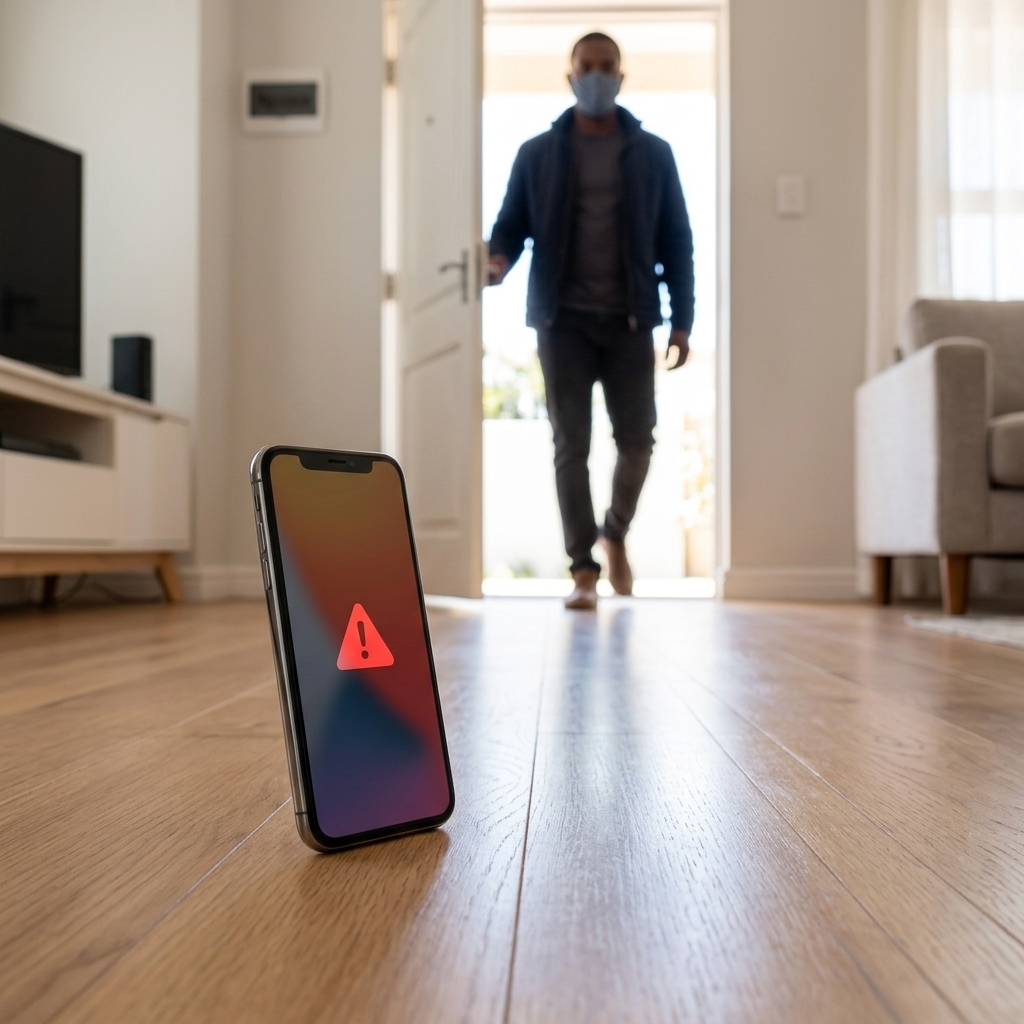
Be-Maps uses your phone or tablet camera as a motion detection sensor. Every two seconds the application analyses the camera image for movement. When movement is detected, Be-Maps can immediately perform one or more selected actions.
Motion Detection is designed primarily for indoor use and can help monitor:
• Your home or apartment while you are away.
• A bedroom while everyone is asleep.
• A garage, basement, office or corridor.
• A hotel room while travelling.
• Any indoor area where you want to know if someone has entered.
When motion is detected, Be-Maps can:
• Play an audible alert through the device speaker.
• Save a photo and a 30-second video recording on the monitored device.
• Notify selected devices in your Be-Maps Group with an audible alert.
• Share the captured photo and video with trusted devices in your group.
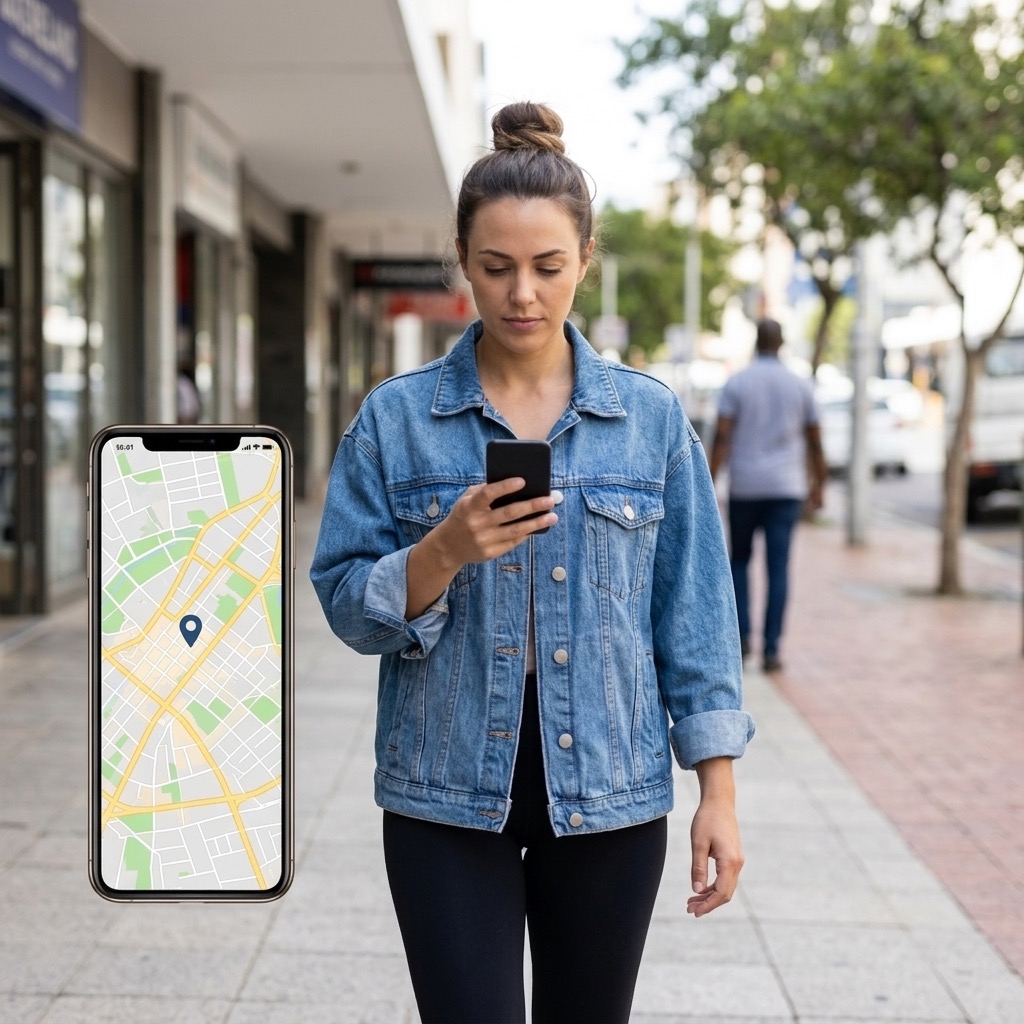
• These events are tagged with location and displayed on the map
This feature can help you or trusted person become aware of unexpected movement, discourage an intruder, and provide useful evidence of what happened.
How Motion Detection Can Help
Depending on your settings, Motion Detection may:
• Wake you if movement is detected while you are sleeping.
• Deter an intruder by playing a loud spoken alert.
• Record photos and video that may help identify an incident.
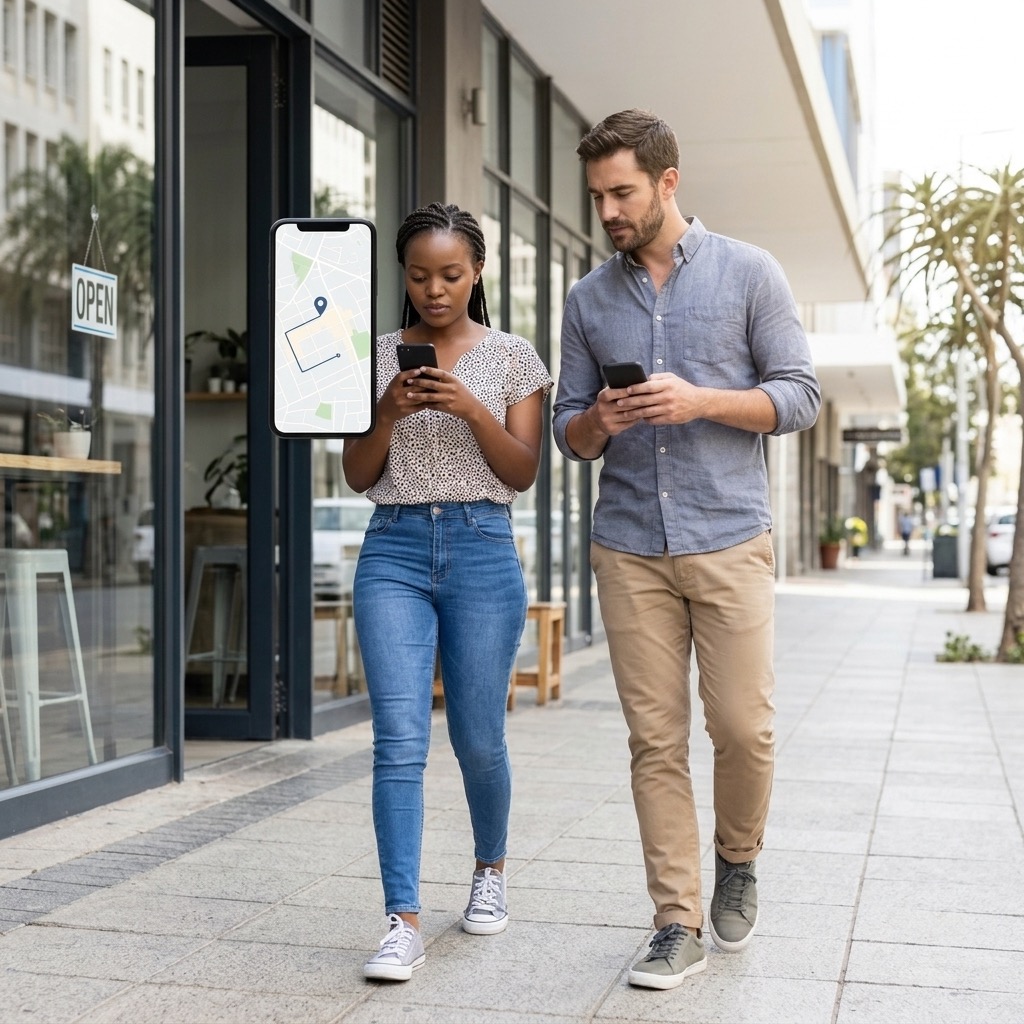
• Notify trusted family members or friends through your Be-Maps Group.
• Allow another one of your Be-Maps devices to receive alerts and monitor events remotely.
• Increase awareness when travelling or staying in hotels.
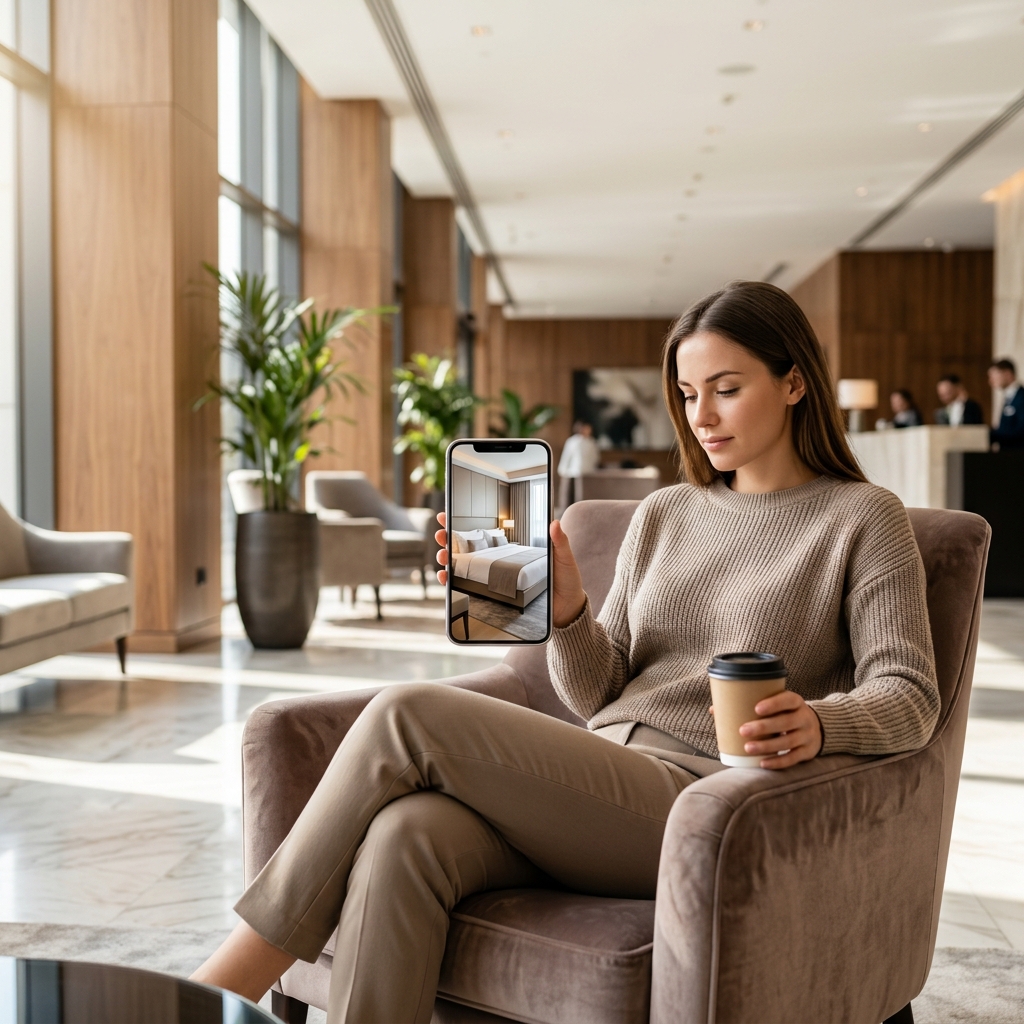
Remote Monitoring
Remote Monitoring allows trusted devices in your Be-Maps Group to request photos, voice recordings or video recordings from the monitored device.
This feature is designed with transparency and privacy in mind. Remote Monitoring can only be enabled when all of the following conditions are met on the monitored device:
• Privacy Status is disabled.
• Data Sharing Level is set to Monitoring.
• Allowed Devices have been selected.
• Remote Monitoring is enabled.
• Be-Maps remains open on the Monitoring screen with the display left on, making it clear that the device is operating in monitoring mode.
These requirements help ensure that the monitored device clearly indicates when remote monitoring is active and reduce the possibility of misuse.
Camera Selection
Motion Detection can use:
• the front camera,
• the rear camera,
• or both cameras,
depending on how you position your device and what you wish to monitor.
Battery Usage
Motion Detection continuously analyses images from the camera and therefore uses significant battery power. For continuous monitoring, it is recommended that the device remains connected to a charger.
Tips for Best Results
To reduce unwanted motion alerts, position the device so that the camera avoids:
• mirrors and strong reflections,
• windows with moving trees outside,
• moving curtains,
• rapidly changing light conditions,
• lights being switched on or off.
Careful positioning will improve detection accuracy and reduce false alarms.
Privacy and Legal Notice
Be-Maps has been designed with user privacy in mind. Voice Notes remain only on your own device unless you choose to share them. Remote Monitoring is protected by multiple privacy settings that require explicit user action before it can be enabled.
Users are responsible for ensuring that their use of Be-Maps complies with the laws and privacy regulations of the country in which it is used. In general recording of your areas for your safety is allowed, though recording people without reason or their knowledge or consent may be restricted or prohibited in some jurisdictions.
Frequently Asked Questions:
Can I use Be-Maps as a security camera?
Yes. Be-Maps can use your Android phone or tablet as a motion detection camera that records photos and video, plays alerts, and notifies trusted devices.
Can I use an old Android phone for home monitoring?
Yes. Maximum 6-8 years old. Many users dedicate an older phone or tablet as a home monitoring device connected to a charger.
Is it free?
Yes. All Be-Maps Advanced features are free.
Can Be-Maps monitor a hotel room?
Yes. Motion Detection can help monitor your hotel room remotely while you are away or asleep by detecting movement, recording evidence, and notifying trusted devices.
Are my recordings uploaded to the cloud?
No. Voice Notes remain only on your own device. Events related photos and videos are shared only with devices that you have explicitly authorised within your Be-Maps Group.
Does Motion Detection work in darkness?
Performance depends on the available lighting and the capabilities of your device camera. Reflections, moving curtains, and sudden lighting changes may also trigger motion detection.