On Map DashCam Videos
With Impact Detection
Advanced DashCam Features
Turn your smartphone into a simple and reliable DashCam with Be-Maps. Whether you're driving to work, taking a road trip, or simply want a record of your journey, Be-Maps can record video using your phone's front or rear camera while automatically attaching the GPS location to every recording. Each video is displayed on the map, allowing you to easily find and review recordings based on where they were captured.
Unlike a traditional dash camera, Be-Maps combines video recording with location awareness, Impact Detection, emergency alerts, and map-based navigation. This makes it a practical tool not only for recording your journeys but also for improving your personal safety while travelling.
Be-Maps vs Traditional Dash Cameras
See how the free Be-Maps DashCam feature compares with a traditional dash camera.
| Benefit |
Be-Maps |
Traditional Dash Camera |
| Records your journey |
✔ Yes |
✔ Yes |
| Shows recordings on a map |
✔ Yes |
✘ No |
| Can notify your family after an impact |
✔ Yes |
Rare |
| Sends alerts |
✔ Yes |
Rare |
| Notify family or friends |
✔ Yes |
✘ No |
| Uses your smartphone |
✔ Yes |
✘ No |
| No extra hardware required |
✔ Yes |
✘ No |
Safety First
Always mount your phone securely in a suitable car phone holder before you begin driving. Never operate your phone while driving. Configure DashCam mode, Impact Detection, and any alert settings before starting your journey.
How to Enable DashCam Mode
To start recording:
Capture Mode → DashCam
Choose whether you want to record using the front camera or the rear camera, depending on your needs.
For the best video quality, position your phone so that the camera has a clear, stable view of the road ahead (or behind if using the rear camera). A secure phone holder is strongly recommended to minimise vibration and movement while driving.
GPS Location with Every Recording
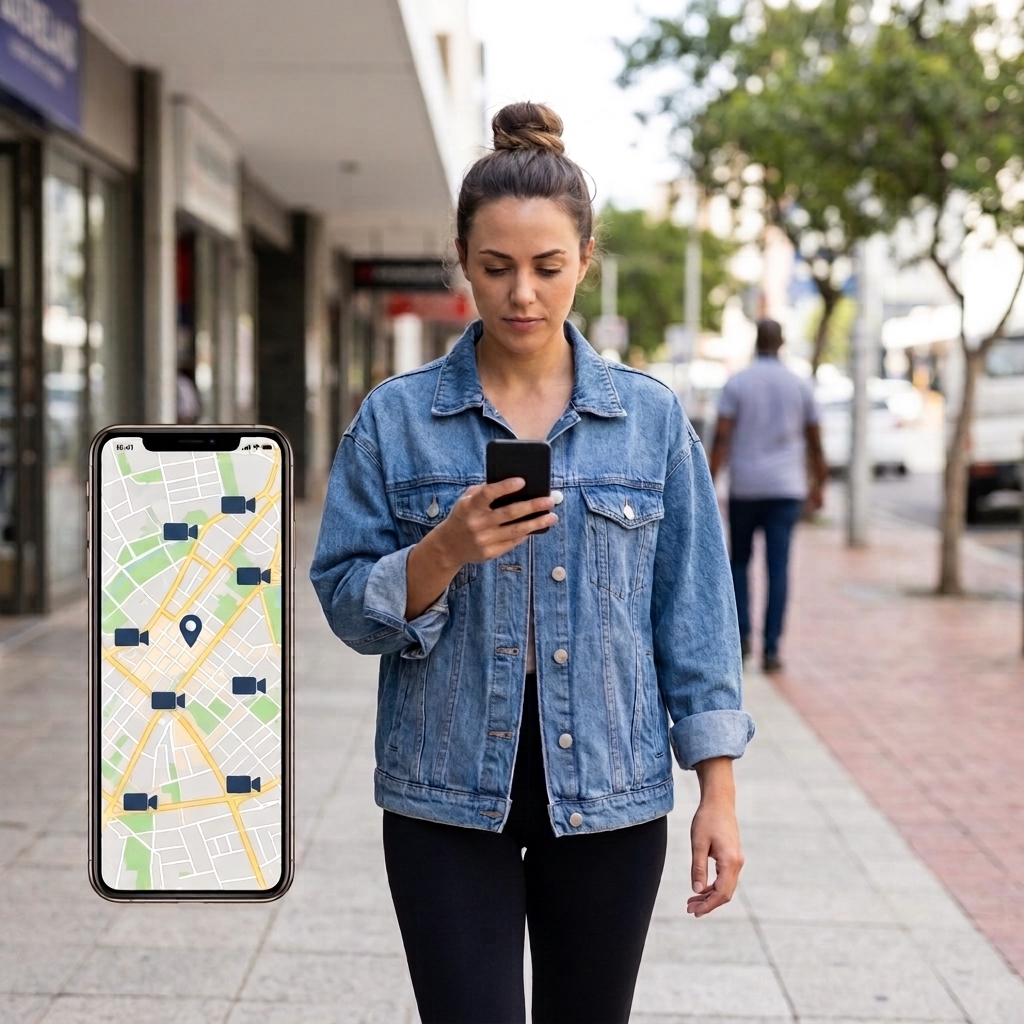
Every DashCam recording is automatically linked to the location where it was recorded. Instead of searching through hundreds of video files, you can simply open the map and select the recording associated with the place you are interested in.
This makes it much easier to find videos from a particular journey, road, or location.
Impact Detection
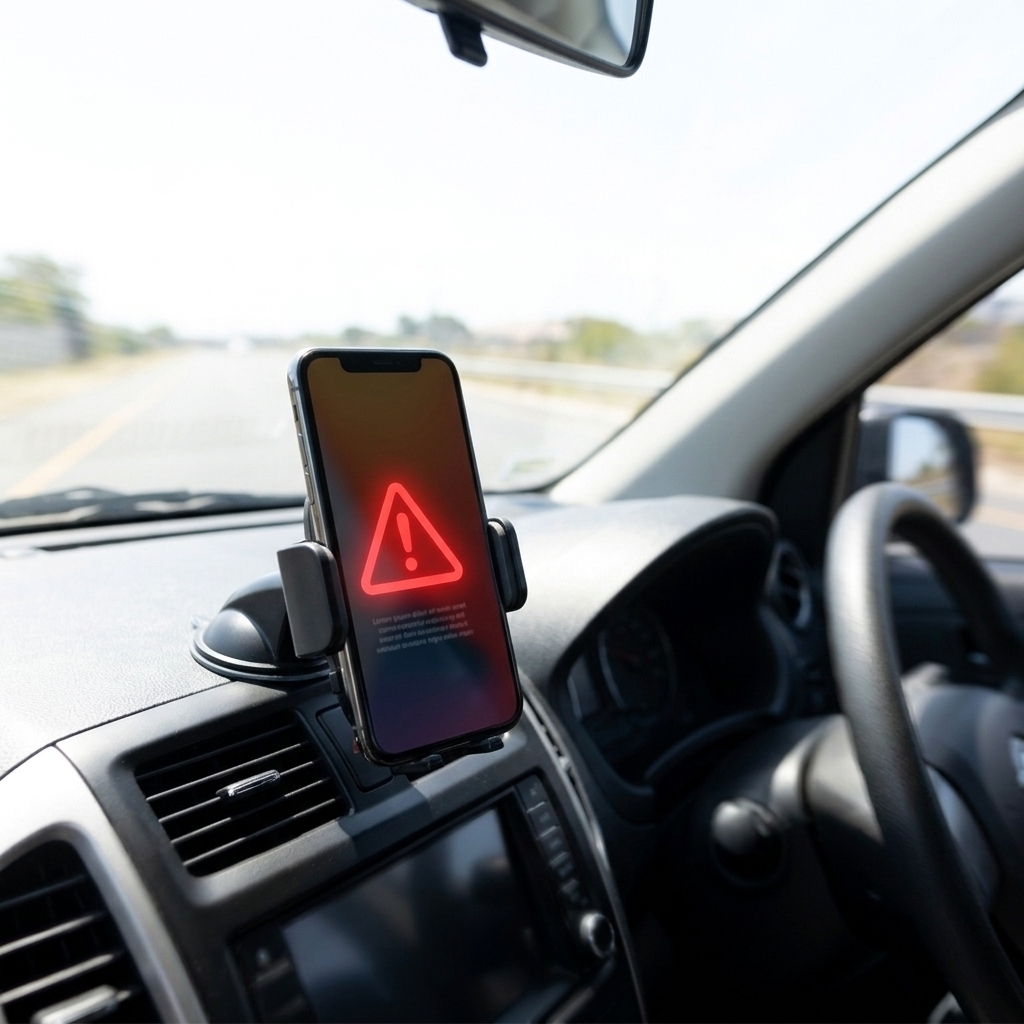
While DashCam mode is active, you can enable Impact Detection.
If Be-Maps detects a significant impact, it can automatically notify selected members of your Be-Maps Group. Your chosen contacts receive an alert together with your location, allowing them to quickly understand where you are and check whether you need assistance.
Please note:
• Driving over potholes, speed bumps, or very rough roads may occasionally trigger a false impact event.
• Impact Detection is designed as an additional safety feature and should not be considered a replacement for emergency services or professional assistance.
How the DashCam Feature Can Help
Be-Maps DashCam can be useful in many everyday situations, including:
• Recording your journeys for personal reference.
• Providing video evidence if you need to demonstrate what happened during a traffic incident.
• Recording dangerous or careless driving that may need to be reported to the police or your insurance company.
• Helping you remember exactly where an event occurred by linking each recording to its GPS location.
• Automatically notifying selected members of your Be-Maps Group if an impact is detected.
• Sending a Be-Maps Alert directly from the DashCam screen. Your selected contact receives your alert together with your current location, allowing them to provide assistance remotely or travel directly to your location if necessary.
Viewing Your Recordings
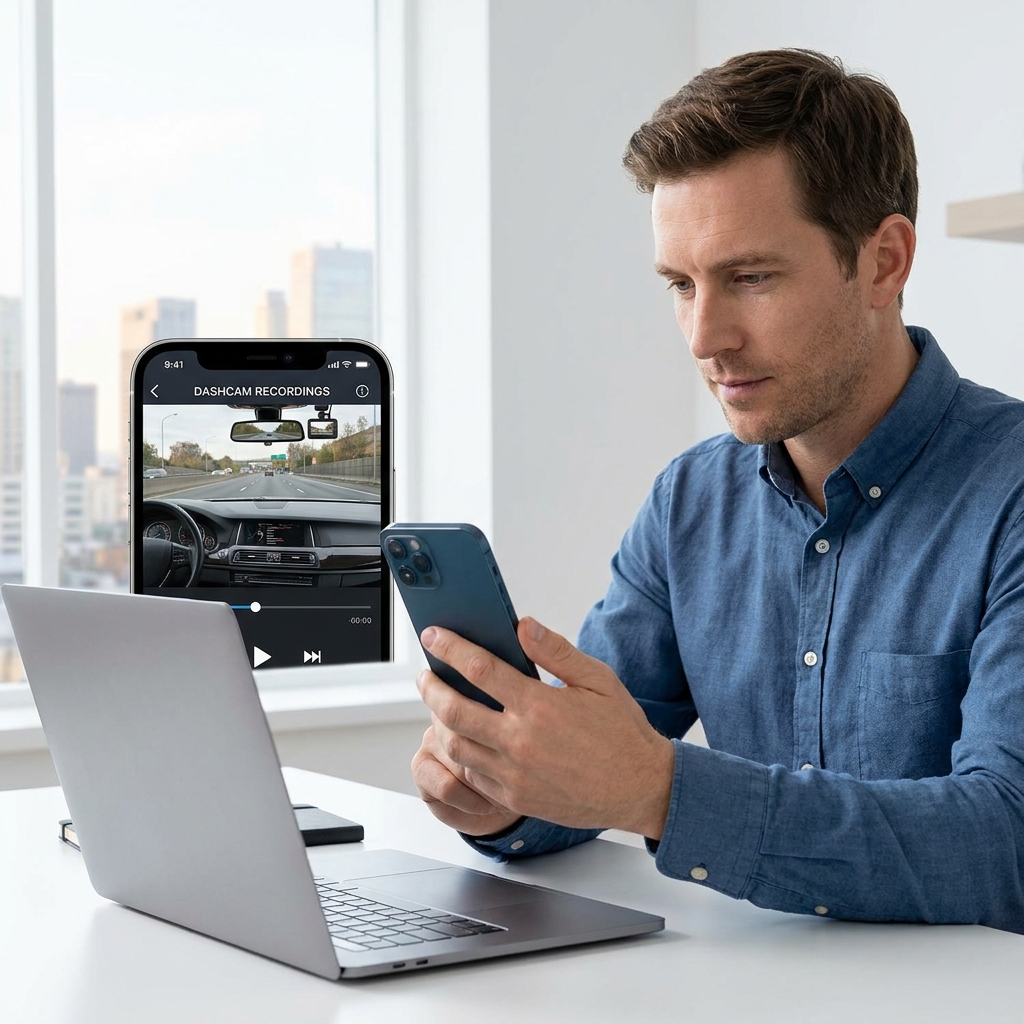
Every recording appears on the Be-Maps map at the location where it was created, making it easy to review your journeys and locate specific events.
To help manage storage, Be-Maps keeps the most recent 1,500 recordings. Each recording is approximately one minute long, providing a rolling history of your recent journeys while helping to limit storage usage.
Privacy
Your DashCam recordings remain private.
They are not automatically shared with other users or uploaded for public viewing. The recordings are intended for your personal use and remain available only to you unless you choose to share them.
Battery Usage
Continuous video recording is one of the most demanding tasks for a smartphone and can significantly increase battery consumption.
For longer journeys, keep your phone connected to a vehicle charger or another reliable power source. This helps ensure uninterrupted recording and prevents your device from shutting down because of low battery power.
Why Use Be-Maps as a DashCam?
Many drivers purchase dedicated dash cameras that only record video. Be-Maps offers much more by combining DashCam recording, GPS location, Impact Detection, map-based video browsing, and emergency alerts within a single free application.
Whether you want extra peace of mind during your daily commute, evidence after an unexpected incident, or a simple way to let trusted contacts know if something has happened, the Be-Maps DashCam feature provides an easy-to-use solution using the smartphone you already own.
Frequently Asked Questions:
Does Be-Maps work as a DashCam?
Yes. Be-Maps records one-minute driving videos using your phone's front or rear camera and automatically associates every recording with its GPS location.
Are my DashCam videos shared with other users?
No. Your recordings remain private and are not automatically shared with anyone.
Is it free?
Yes. All Be-Maps Advanced features are free.
Can Be-Maps notify someone after an accident?
Yes. When Impact Detection is enabled, selected members of your Be-Maps Group can receive a notification together with your location if a significant impact is detected.
Are my recordings uploaded to the cloud?
No. DashCam recordings remain only on your own device. Alert related photos and recodrings are shared only with devices that you have explicitly authorised within your Be-Maps Group.
Do I need a dedicated dash camera?
No. Be-Maps allows you to use your existing smartphone as a basic DashCam, making it an easy way to record your journeys without additional hardware.
Why are recordings one minute long?
Be-Maps records in one-minute segments to properly distribute these on the map and to simplify storage management while maintaining a rolling history of your most recent journeys.