Turn Your Phone into a Hotel Room Security Monitor
When travelling, one of the biggest concerns is the safety of your hotel room and your belongings. Whether you are sleeping, having breakfast, relaxing by the pool, or sightseeing, Be-Maps can help you monitor your hotel room using one or two mobile devices (you can use iOS or Android device).
The Hotel Room Safety & Security features combine motion detection, remote monitoring, photo and video capture, voice alerts, and instant notifications to help you stay informed about activity in your room.
Important: Be-Maps is designed to help monitor your surroundings and increase your awareness. It is not a replacement for hotel security, emergency services, or law enforcement.
Hotel Room Security Features at a Glance
Motion Detection Alerts
Be-Maps can monitor your hotel room for movement. When motion is detected, the app can:
• On speaker spoken alert on the monitoring device.
• Save a photo of the event.
• Record a 30-second video.
• Notify selected members of your Be-Maps Group.
• Send captured photos and videos to approved remote devices.
This allows you or someone you trust to quickly see what triggered the alert.
Remote Hotel Room Monitoring
Using a second approved device, you can remotely:
• View what is happening in your hotel room.
• Check what is happening in your home.
• Capture photos.
• Record video.
• Listen to surrounding audio (where permitted by local law).
These features are useful when you are away from your room and want to check that everything appears normal.
Remote Voice Message
Be-Maps allows to send a pre-recorded voice message that will play through the speaker of the monitoring device.
In some situations, this may discourage an unwanted visitor by making it clear that someone is aware of the activity.
In more details:
| Be-Maps Feature |
What it Does |
Benefits for Travellers |
| Motion detection |
Detects movement in your hotel room using your device's camera. |
Helps you become aware of unexpected activity while you are sleeping or away from your room. |
| Motion alerts |
Sounds and/or sends an alert when motion is detected. |
Receive immediate notification so you can quickly check what happened. |
| Photo Capture |
Automatically saves photos when motion is detected. |
See what triggered the alert without being in the room. |
| 30-Second Video Recording |
Records a short video after motion is detected. |
Provides additional context to help you understand the event. |
| Remote Notifications |
Sends motion alerts, photos and videos to approved Be-Maps devices. |
Family members or trusted friends can also be informed of important events. |
| Remote Monitoring |
View your hotel room remotely using another approved device. |
Check your room while sightseeing, at dinner, on the beach or during business meetings. |
| Remote Photo Capture |
Capture photos remotely from the monitoring device. |
Verify the current condition of your room at any time. |
| Remote Video Recording |
Record video remotely using the monitoring device. |
Obtain additional visual information when needed. |
| Remote Audio Monitoring |
Listen to surrounding audio where permitted by local law. |
Gain additional awareness of activity inside the monitored room. |
| Remote Voice Message |
Play a pre-recorded voice message through the monitoring device's speaker. |
May discourage an unwanted visitor or make them aware the room is being monitored. |
| Front or Rear Camera Selection |
Choose the front camera, rear camera or both. |
Position your phone for the best monitoring coverage. |
| Secure, Approved Devices |
Only approved devices can access remote monitoring features. |
Helps protect your privacy and prevents unauthorised remote access. |
How to Enable Hotel Room Monitoring
Open:
Capture Mode → Monitor
Then enable one or more of the following options:
• Motion Sensor
• Allow Remote Monitoring
While in Monitoring mode you can:
• Detect motion inside the monitored room.
• Receive local motion alerts.
• Notify approved remote devices about motion events.
• Allow approved devices to remotely capture photos, videos and surrounding audio.
Be-Maps Hotel Room Security
| Best for |
Hotels, motels, Airbnb, holiday apartments, caravans, boats, offices, tents, shelters |
| Device required |
1 phone (indoor monitoring) or 2 phones (remote monitoring) |
| Motion detection |
✔ Yes |
| Sends alerts |
✔ Yes |
| Photo capture |
✔ Yes |
| Video recording |
✔ Yes |
| Remote monitoring |
✔ Yes |
| Voice message |
✔ Yes |
| Family notifications |
✔ Yes |
| Camera options |
Front, rear or both cameras |
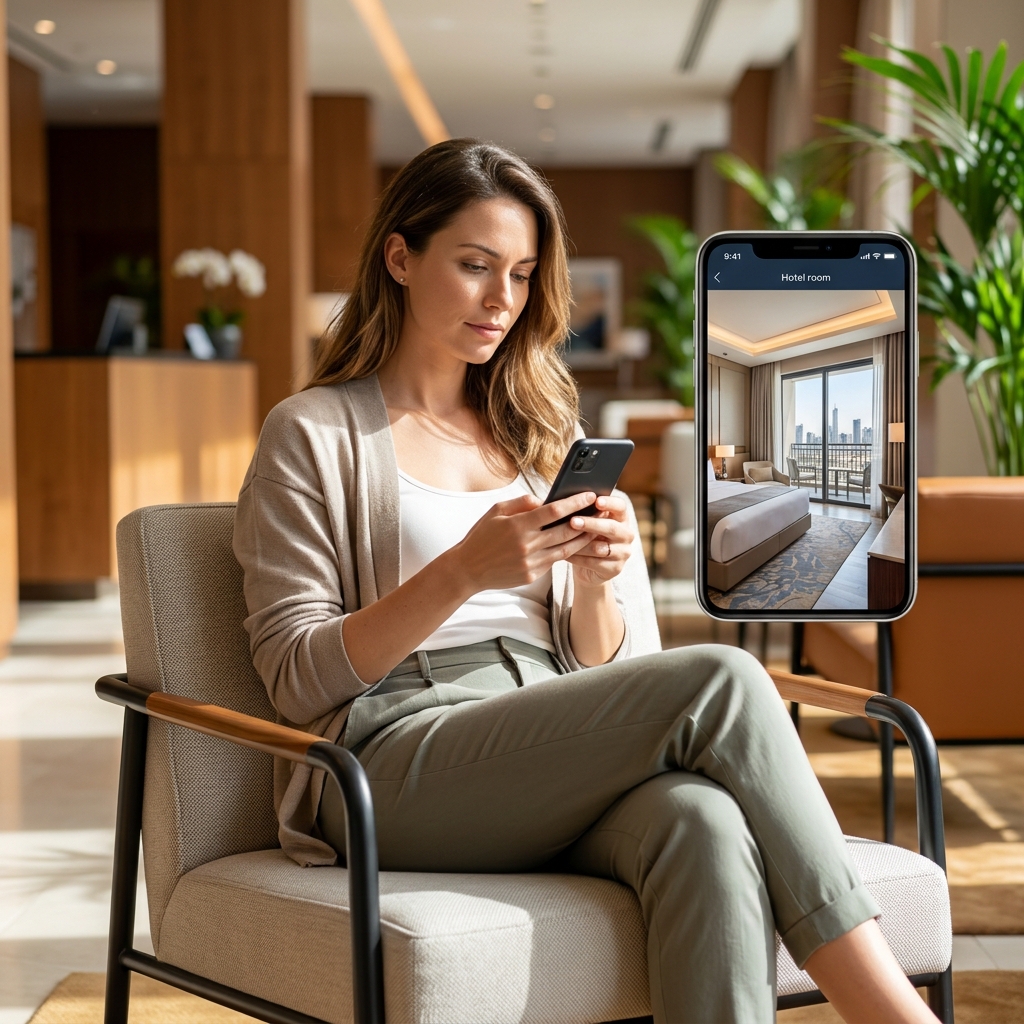
Using Two Devices
One device can alert you on speaker when motion is detected while you sleep.
Remote monitoring requires at least two devices.
Monitoring Device
The device left in your hotel room can:
• Detect motion.
• Capture photos.
• Record 30-second videos.
• Play remote voice messages.
Remote Device
The device you carry with you can:
• Receive motion notifications.
• View captured photos and videos.
• Remotely monitor the room.
• Send a recorded voice message to the monitoring device.
Before using remote features:
• Add the remote device in Allowed Devices.
• Remove Privacy Status from the monitored device if remote capture is required.
• Keep the monitored phone open on the Monitoring screen.
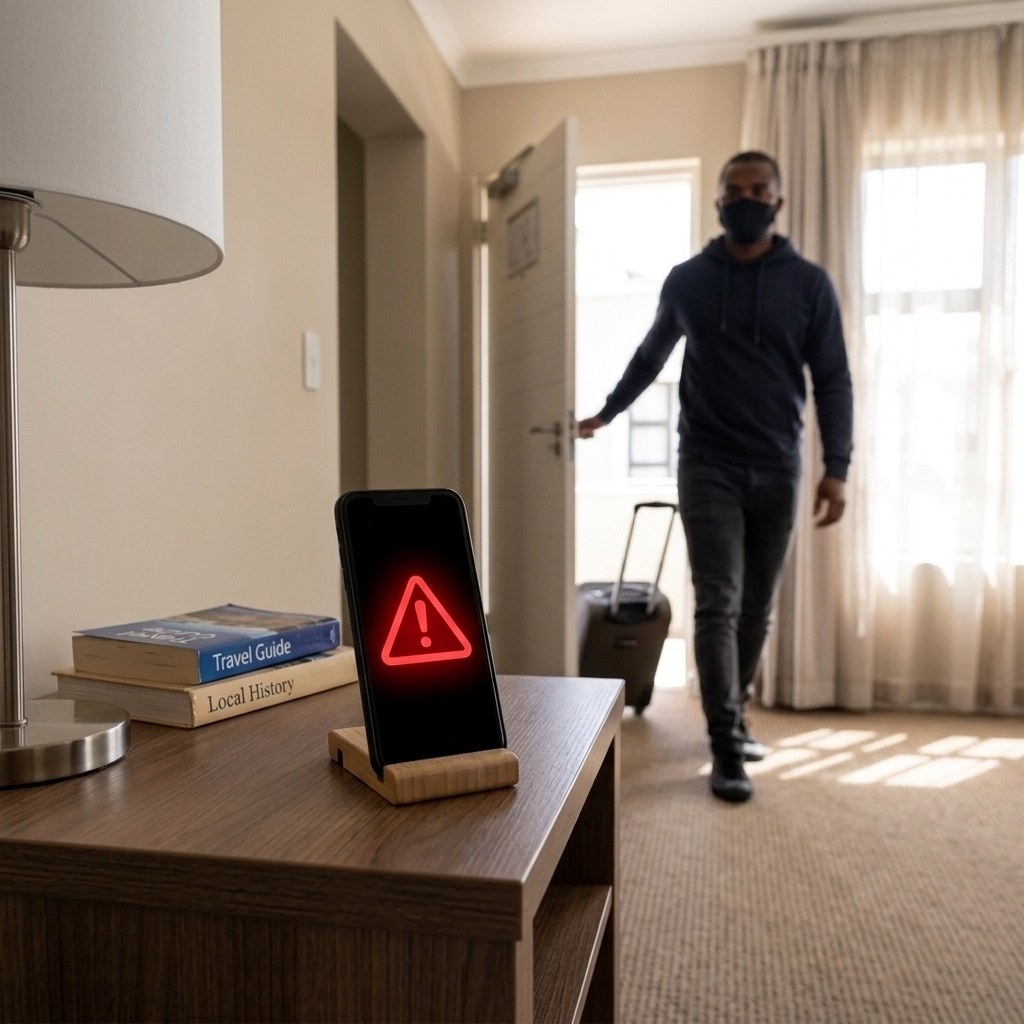
How Be-Maps Can Help
While You Are Sleeping
If movement is detected:
• You receive an immediate motion alert.
• Photos and videos are automatically captured.
• Trusted members of your Be-Maps Group can also receive notifications.
• A remote voice message may help discourage an intruder.
While You Are Away From Your Room
Whether you are sightseeing, attending a business meeting, enjoying dinner, or relaxing by the pool, Be-Maps can continue monitoring your room.
If motion is detected, you can:
• Receive instant notifications.
• View photos captured during the event.
• Watch the recorded 30-second motion video.
• Remotely check your room using an approved device.
• Send a recorded voice message that will play through the monitoring phone.
This provides additional awareness when your hotel room is unattended.
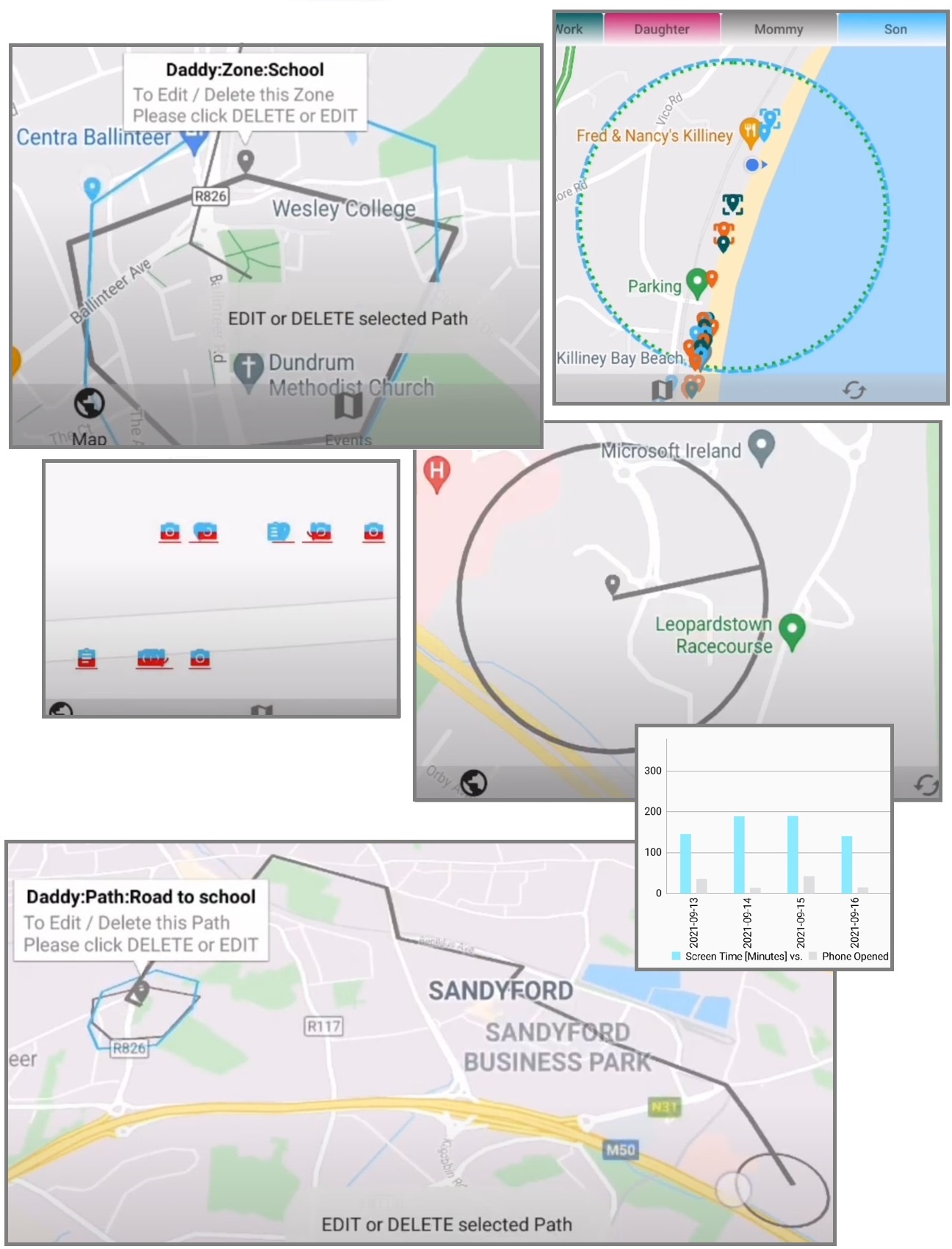
Additional Travel Safety Features
Be-Maps includes many other features designed to improve personal and family safety while travelling.
These include:
• Live location sharing with people you trust.
• Family and group location tracking.
• GeoFence notifications.
• Distance alerts when someone moves too far away.
• Find each other on the map.
• Emergency alerts.
• Shared navigation and directions.
These features are especially useful for:
• Family holidays.
• Group travel.
• Business trips.
• Solo travellers.
• International travel.
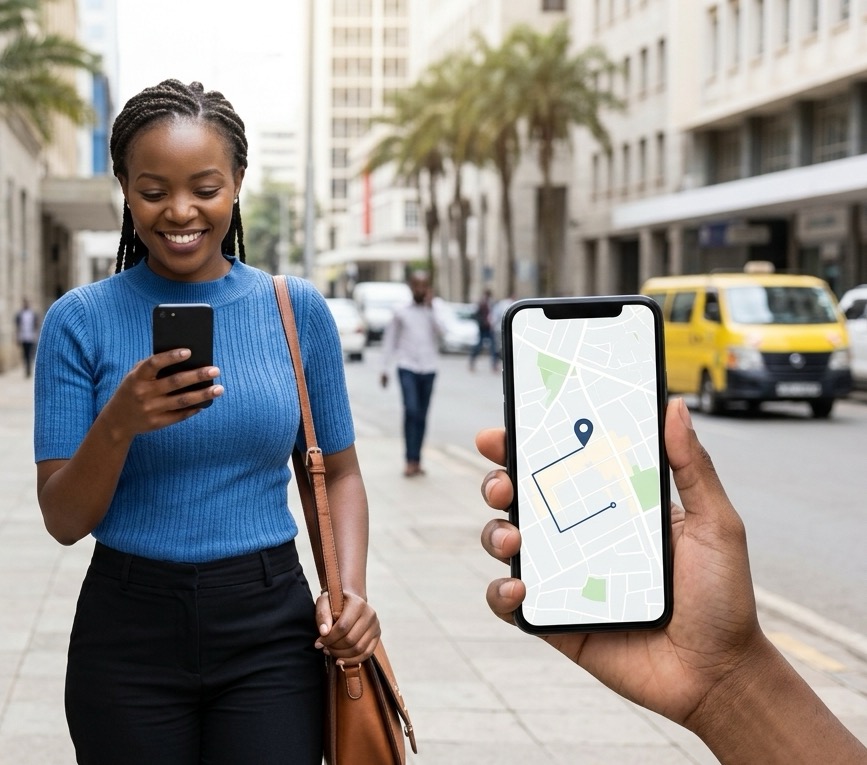
Why Travellers Choose Be-Maps
Travellers use Be-Maps to help improve awareness and security while away from home by providing:
• Hotel room motion detection.
• Hotel room monitoring.
• Hotel security alerts.
• Remote room monitoring from another device.
• Motion-triggered photo and video capture.
• Remote voice alerts.
• Family travel safety.
• Location sharing.
• Travel safety notifications.
• Personal safety tools for travellers.
Whether you are travelling alone, with family, or for business, Be-Maps helps you stay connected, monitor your hotel room remotely, and keep trusted people informed about unexpected activity.
Common Travel Situations
| Travel Situation |
How Be-Maps Can Help |
| Sleeping in a hotel |
Motion detection alerts you to unexpected activity and records photos and video. |
| Leaving your room for sightseeing |
Continue monitoring your room remotely and receive instant notifications if motion is detected. |
| Business travel |
Check your hotel room while attending meetings or conferences. |
| Family holiday |
Share motion alerts with trusted family members through your Be-Maps Group. |
| Travelling alone |
Increase awareness of activity in your room and stay connected with trusted contacts. |
| Long hotel stays |
Periodically check your room remotely without returning in person. |
| Holiday apartment or Airbnb |
Use the same monitoring features where legally permitted. |
| Caravan, camper or boat |
Monitor your temporary accommodation while away. |
| Tent, shelter |
Secure your accommodation while your are in or away. |
Camera Options
Monitoring can use:
• Front camera only.
• Rear camera only.
• Both cameras.
Choose the option that best suits the position of your device.
Battery Usage
Motion detection and remote monitoring continuously use your device's camera and processing power.
For reliable operation, keep your phone connected to the charger. This helps ensure uninterrupted monitoring and prevents your device from shutting down because of low battery power.
Reducing False Motion Alerts
Motion detection may be triggered by:
• Reflections in mirrors.
• Changes in lighting.
• Lights being switched on or off.
• Movement through windows.
• Curtains moving in the wind.
• Trees or shadows outside.
• Other changing light conditions.
Position your device carefully to minimise unwanted alerts.
Privacy and Legal Notice
Some monitoring, recording and audio features may be subject to privacy, surveillance or recording laws that vary between countries and regions.
You are responsible for ensuring that your use of Be-Maps complies with all applicable local laws, hotel policies and privacy regulations. If you are unsure whether these features may be used in your location, seek appropriate legal advice before using them.
Frequently Asked Questions:
Can I use Be-Maps to monitor my hotel room?
Yes. Be-Maps can detect motion, capture photos and videos, and notify approved remote devices when activity is detected.
Are my alert pictures and videos shared with other users?
Yes, when allowed to appointed users.
Is it free?
Yes. All Be-Maps Advanced features are free.
Do I need two phones?
When you are inside of your hotel room one device is sufficient.
To avail of more safety features and remote monitoring, you need two devices. One device remains in the hotel room while the second approved device is used remotely to receive alerts and monitor the room.
Are my recordings uploaded to the cloud?
No. Local recordings remain only on your own device. Alert related photos and recodrings are shared only with devices that you have explicitly authorised within your Be-Maps Group.
Can I use an old smartphone?
Yes. Many users dedicate an older Android phone to monitoring while carrying their primary phone as the remote device.
Does Be-Maps record video automatically?
When Motion Detection is enabled, Be-Maps can automatically capture photos and record a 30-second video when motion is detected.
When allowed, Remote Monitoring is triggered automatically as per requested schedule.