Free Advanced Home Security Features
Looking for a free way to monitor your home, apartment, garage, office, or holiday home? Be-Maps lets you transform an iOS or Android phone or tablet into a powerful indoor security camera with motion detection, remote monitoring, photo and video capture, and instant alerts.
Instead of buying dedicated CCTV equipment, you can reuse an older iOS or Android device to help protect the places that matter most. Simply position the device where you want to monitor activity, connect it to a charger, and let Be-Maps notify you whenever motion is detected.
Whether you are relaxing at home, travelling, or on holiday, Be-Maps helps you stay connected to your property from another trusted iOS or Android device.
Be-Maps includes powerful monitoring features designed for everyday home security:
• Motion detection alerts on the monitored device
• Automatic photo capture when motion is detected
• Automatic 30-second video recording of motion events
• Store captured photos and videos on the monitored device
On monitoring device you can turn on additional options, for selected devices in your Be-Maps Group:
• Remote motion detection
• Send motion detection notifications
• Allow remote photo capture
• Allow remote video recording
• Allow remote audio recording
• Share motion event photos and videos with selected devices
• Remotely play a recorded voice message through the monitored device's speaker
What You Can Do While Monitoring
Comparison of local and remote for home and apartment security features.
| Be-Maps Feature |
Local Monitoring |
Allowed Remote Monitoring |
| Motion detection |
✔ Yes |
✔ Yes |
| Motion alerts |
✔ Yes |
✔ Yes |
| Save photos |
✔ Yes |
✔ Yes |
| Save videos |
✔ Yes |
✔ Yes |
| Receive notifications |
✔ Yes |
✔ Yes |
| View monitored location |
✔ Yes |
✔ Yes |
| Capture photos remotely |
✘ |
✔ Yes |
| Record videos remotely |
✘ |
✔ Yes |
| Record surrounding audio |
✘ |
✔ Yes |
| Play remotely a voice message |
✘ |
✔ Yes |
How Be-Maps Can Help When You Are at Home
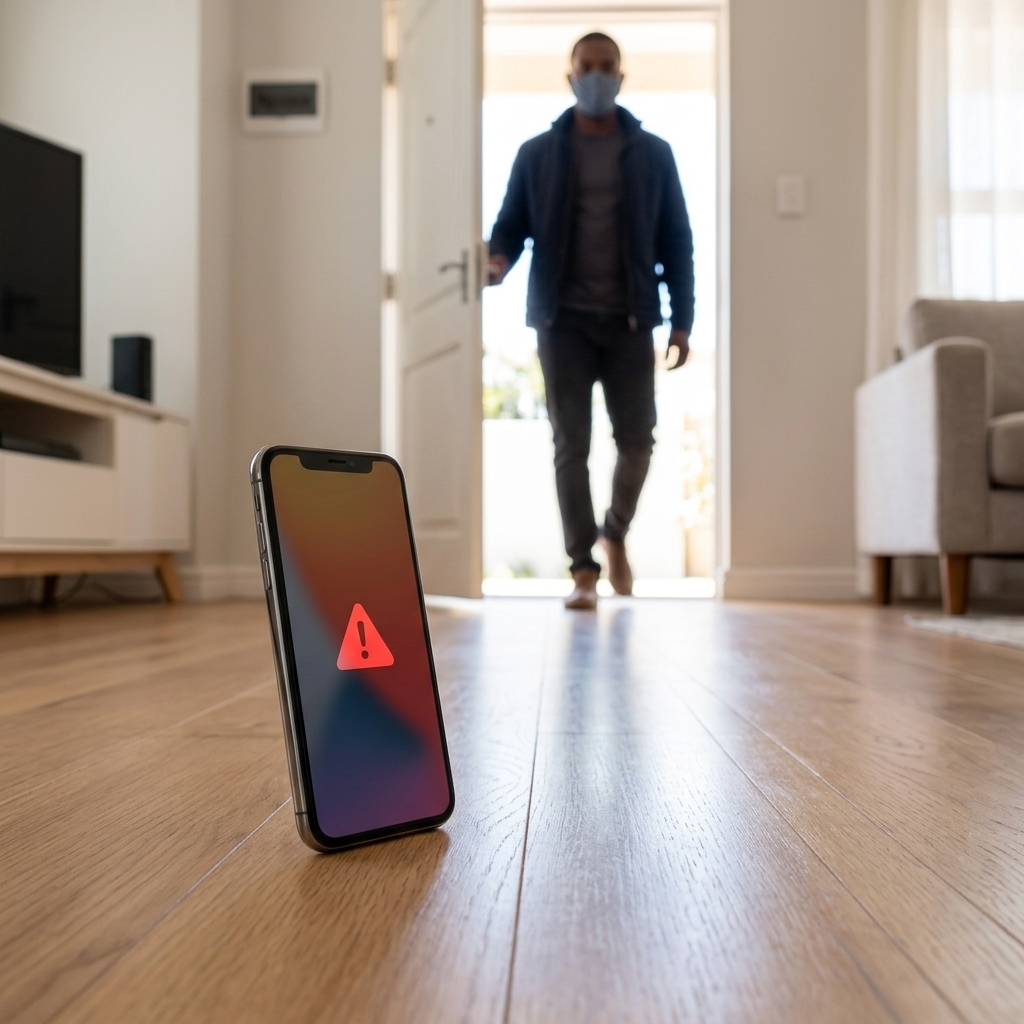
If someone enters your home unexpectedly:
• Motion detection immediately alerts you.
• The monitored phone can play a loud recorded voice message that may discourage the intruder.
• Friends or family members in your Be-Maps Group can receive the alert, review the captured photos or videos, and help remotely.
How Be-Maps Can Help When You Are Away
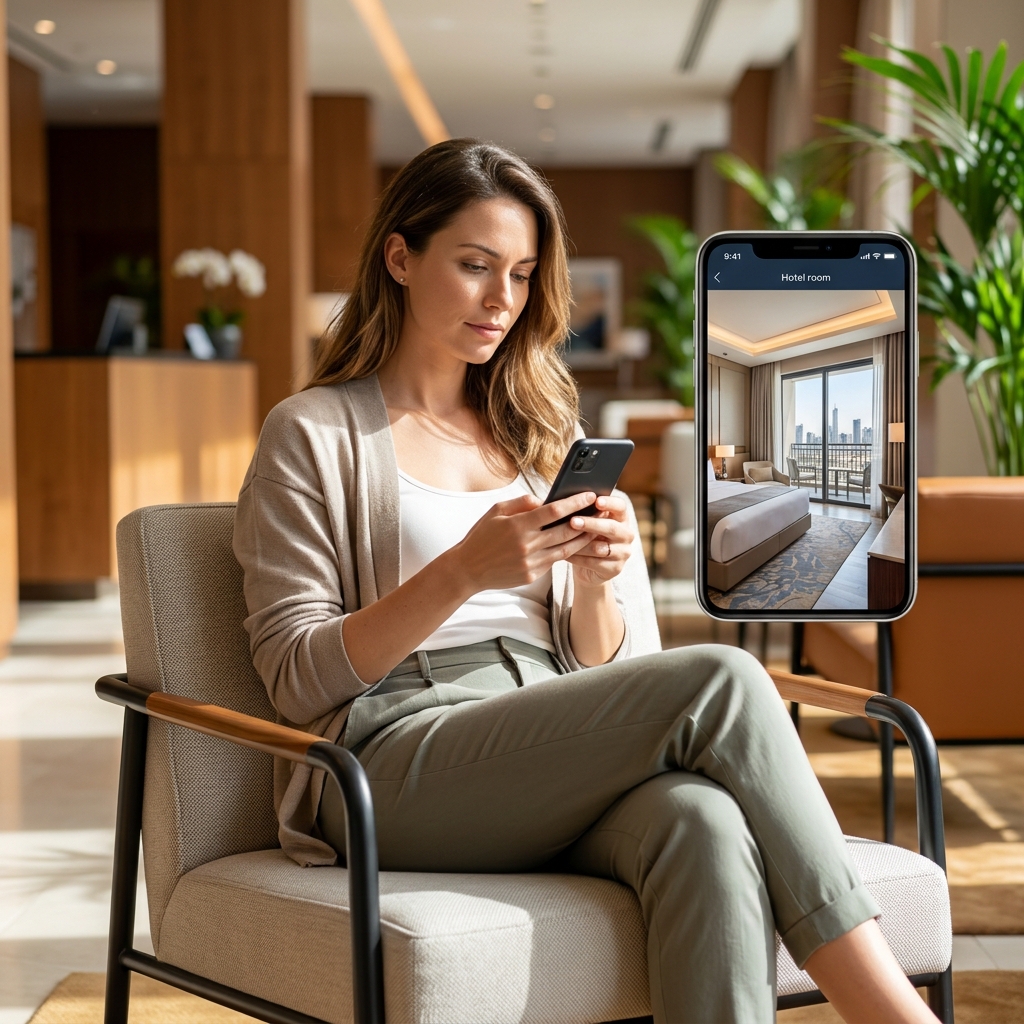
Whether you are at work, shopping, travelling, or on holiday, you can:
• Check your home remotely.
• Monitor your apartment or garage.
• Receive motion detection alerts.
• View photos captured during motion events.
• Watch 30-second motion detection videos.
• Capture additional photos or videos remotely.
• Record surrounding audio.
• Play remotely a recorded message through the monitored phone.
Why Use Be-Maps Instead of a Dedicated Security Camera?
Be-Maps allows you to:
• Reuse an older iOS or Android phone or tablet.
• Avoid buying dedicated indoor CCTV equipment.
• Monitor with advanced features your home for free.
• Stay connected to trusted family members through your Be-Maps Group.
• Combine home monitoring with family safety features in one application.
Additional Family Safety Features
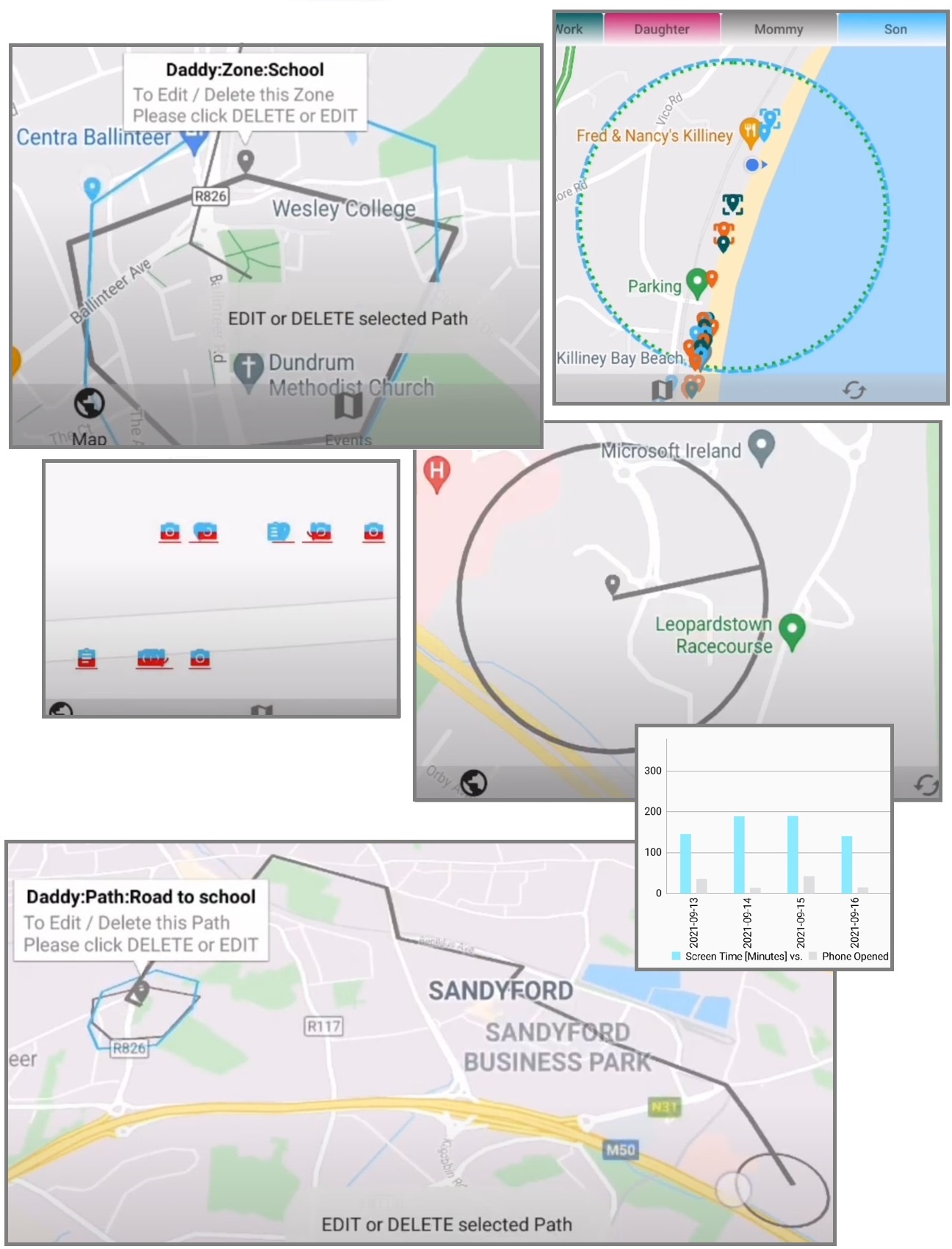
Be-Maps is much more than a home monitoring app.
It also provides:
• Current location sharing
• Share directions to a selected location
• Geofencing notifications
• Too Far Away notifications
• Find each other
• Alerts
These features are especially useful for close friends or families during everyday life, holidays, and outdoor activities.
Where You May Use Be-Maps
Be-Maps can monitor almost any indoor location with small amount of light, including your:
Home, Apartment, Garage, Office, Holiday Home, Baby's Room, Pet Room, Storage Room, Hallway or Corridor.
Many users also reuse an older iOS or Android phone or iOS phone as a dedicated indoor security camera, giving unused devices a practical second life.
How to Set Up Home Monitoring
Open Be-Maps and choose:
Capture Mode → Monitor
Then enable one or both options:
• Motion Sensor – Detects movement, creates alerts, and records motion events.
• Share To Allowed Devices – Allows trusted devices to receive motion alerts and events' data.
• Allow Remote Monitoring – Allows trusted devices to monitor and capture photos, videos, or audio remotely.
Setup only takes a few moments.
Remote Monitoring Requirements
Remote monitoring requires at least two Android devices.
• One device remains in the monitored location.
• One trusted device is used remotely.
Before using remote features:
• In settings set Data Sharing Level to Monitoring
• Add the remote device to Allowed Devices.
• Remove the Privacy Status from the monitored device if remote capture commands should be allowed.
• Keep the monitored device open on the Monitoring screen while monitoring is active.
• On the Monitoring screen set the Remote Monitoring checkbox to ON
Be-Maps requires all the above privacy setup measures to have proper transparency of use, and to avoid potential misuse of Be-Maps application.
Things to Know Before Using Be-Maps as a Security Camera
• You can choose to use the front camera, the back camera, or both cameras.
• Motion detection and continuous monitoring consume significant battery power. Keep the monitored device connected to a charger whenever possible.
• Motion detection may occasionally be triggered by reflections, mirrors, changing light conditions, movement behind windows, curtains, or trees moving in the wind. Position the monitored device carefully to reduce false detections.
• Remote monitoring requires at least two trusted Android devices.
• Users are responsible for complying with local privacy, surveillance, and recording laws. Before using Be-Maps for monitoring, ensure that your intended use is permitted in your country or region.
Battery Usage
Continuous monitoring is one of the most demanding tasks for a smartphone and can significantly increase battery consumption.
For longer use, keep your phone connected to the charger. This helps ensure uninterrupted monitoring and prevents your device from shutting down because of low battery power.
Frequently Asked Questions:
Can I use my old iOS or Android phone as a security camera?
Yes. Be-Maps can turn an older Android phone or tablet into a free indoor security camera with motion detection and remote monitoring.
Does Be-Maps work as an home or apartment security camera?
Yes. It is ideal for monitoring apartments, homes, garages, offices, storage rooms, and other indoor spaces.
Is it free?
Yes. All Be-Maps Advanced features are free.
Can another phone receive motion detection alerts?
Yes. Trusted/allowed devices in your Be-Maps Group can receive notifications together with captured photos and videos.
Can I monitor my home while I am travelling?
Yes. Remote monitoring lets you view your monitored device from another trusted iOS or Android device. Remember to set it up and live that device connected to the charger (note: test if it works before you live, to be sure all works later).
Can I record videos remotely?
Yes. In your provate Be-Maps Group, Allowed remote devices can record videos, capture photos, and record surrounding audio.
Can I play my recorded voice message through the monitored phone?
Yes. Be-Maps allows you to remotely send a short recorded voice message that is played loudly through the monitored device.
Does Be-Maps require separate security camera hardware?
No. You just need an extra phone. Be-Maps works with iOS or Android phones and tablets, allowing many users to reuse older devices instead of purchasing dedicated security cameras.